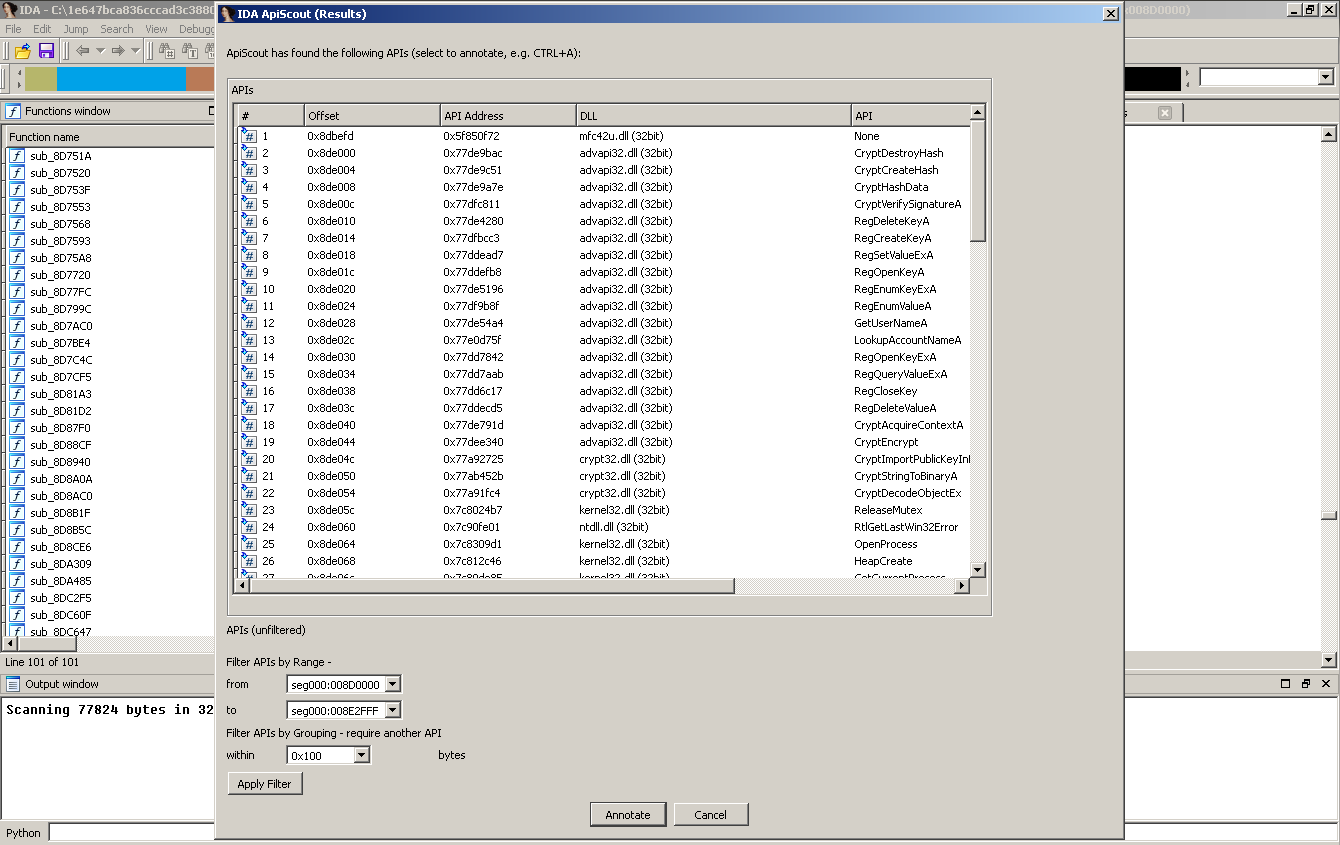
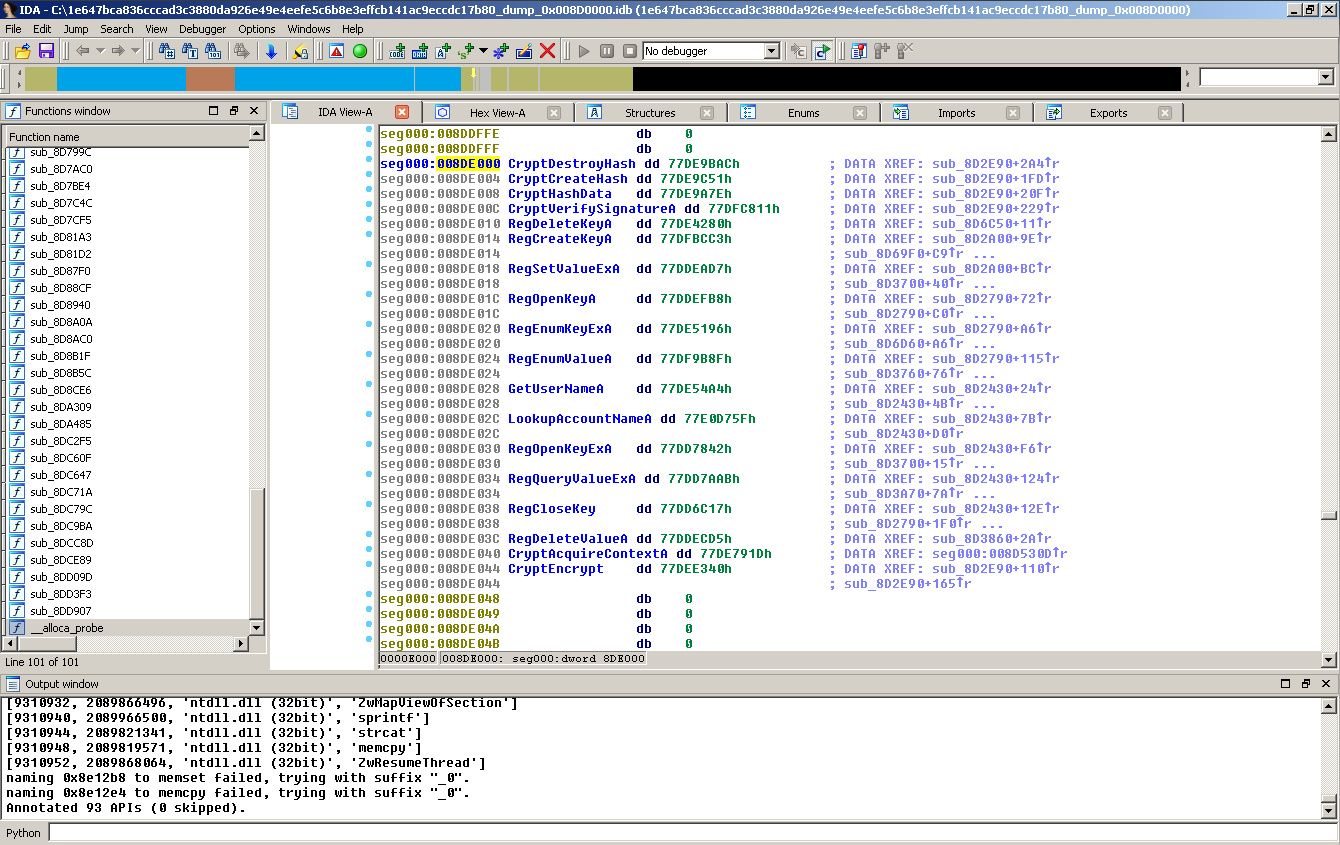
About a year ago, I
published
ApiScout,
a library
that allows the recovery of potentially used Windows API functions
from memory dumps.
The approach can be
outlined as checking all DOWRDs/QWORDs of a memory dump against a
previously created collection of DLL information for a given Windows
instance. It has been used in the recently published paper
on Malpedia,
where it was used to compare Windows API usage behavior of 382
malware families.
In this blog post, I
want to explain the additions to ApiScout that I have done together
with Steffen Enders, namely the introduction of ApiVectors.
ApiVectors are a compact representation of “interesting” API
functions extracted with ApiScout that can be used to get a first
impression of a malware's potential capabilities but may also serve
for matching against a reference database to aid in malware
identification.
ApiVectors
The output of
ApiScout is a list of tuples, consisting of the following elements:
- offsets:
- in the buffer where a potential API address has been found
- the dword identified as DLL/API address
- its membership in the PE header's Import Table (if applicable)
- an estimate how many times it was referenced in the code
- the found DLL / API name
Here is a shortened
example result for a Citadel binary:
 | |
| Example output of ApiScout for a dump of Citadel. |
Naturally, we now
wanted to find a decent way to store this information, preferably in
a compact format that maintains as much relevant information as
possible.
In our previous work
on Malpedia we found that you encounter “only” around 4.000
unique APIs (out of 50k+ found in a Windows installation) across the
380 malware families, with very few being common (top150 APIs present
in ~25% of the families) and many being found in just few families
(90% of the APIs present in 10% or less of the families).
Of course, we could
easily use the full set of APIs as base vector but that would mean
super sparse vectors since we also found that on average, 120-150
APIs are found in a given malware family.
Because we wanted
this vector to carry information useful to analysts, we had a closer
look at the semantic context of the API functions. So we went ahead
and labeled ~3.000 of the API functions into the following 12 groups
(with counts per group):
- 584 GUI
- 392 Execution
- 353 String
- 312 System
- 278 Network
- 230 Filesystem
- 101 Device
- 088 Memory
- 073 Crypto
- 062 Registry
- 033 Other
- 022 Time
An immediate
observation is that there are many API functions related to GUI and
string handling that potentially are less interesting to an analyst,
the same holds true even within more relevant groups. Instead of
covering everything, our representation should definitely focus on
really meaningful suspicious aspects like interacting with the system
or network.
In our efforts for
reduction, we first apply some simplifications to Windows API names:
- We drop the string type, i.e. “A” or “W” if applicable
- We ignore MSVCRT versions, i.e. msvcrt80.dll!time becoming msvcrt.dll!time
We then went ahead
and designed a custom vector of size 1024 that is roughly based 80%
on the occurrence frequency as found in our Malpedia evaluations and
20% based on domain knowledge of interesting API functions that
should definitely be included.
This leaves us with
the following result:
 |
| Result of crafting a 1024 bit vector by semantic groups |
The vector we have
settled for can be found
here. Feedback welcome! :)
Visualization: ApiQR
One cool thing that
you can do with a vector of length 1024 is fitting it into a Hilbert
curve to achieve a nice way to visualize the information. The Hilbert curve ensures that neighboured entries appear next to each other, while also filling the given space. We call
these diagrams ApiQRs:
 |
| ApiQR representation: Hilbert curve for our 1024 bit ApiVector with the semantic categories |
Here
are some example visualizations for a few families. You can also click them to have their vectors viewed in Malpedia:
- RockLoader - A8gAgAFAIA3gA7IA4EAACA7CQA4QA8QABA3EA6FAEA5CA3IA69BAEAABAABA10
- TeslaCrypt - AAgAAgAAwAgAFQIAQMwysA5JA3gEQAgACA3BgCQLAAQACFCgIAIAELJBIA5QBL}AEAiA3GAEQA58EgIASwA6BABAABAgA6QAKIA
- Citadel - ErkAAQIABBpe,QIgUIwytA5JzhgAOYAm.aBhMwBq]Ot+twChA,]gIABLBAYCiVMswMAZACAA?BjBEIQAAgAIwj-aBCQNA5QAIAD,-eQoiQkQmBAH]DA3ngACAAQAEEAALI-kAE^acSzABCAABhSBEAREgBhgEQCXoYI+
- DarkComet - AARogzQx/,wIiQcwCuABj.RJDlujHYQgv*AC,_fe@LO-}TIcIA3IasLJBgCAntMwNLFAEAAYhlADAQABgEAxAQCAAQAAIA3wAMAz_kYitAQhAFA10BD_^/fDMBn.-_mADwgASgDTkAAEgPFNDHAgbBhIAGToaKQ
 |
| RockLoader |
 | ||||||
| TeslaCrypt |
 |
| Citadel |
 |
| DarkComet |
Compact Representation of ApiVectors
You
may be interested how the above base64-like strings (e.g. for RockLoader: A8gAgAFAIA3gA7IA4EAACA7CQA4QA8QABA3EA6FAEA5CA3IA69BAEAABAABA10) are
constructed.
We actually use an alphabet of 74 printable (and hopefully not too
tool-conflicting) characters in a way that is actually very similar to base64.
Our
custom base64 alphabet has the characters:
"ABCDEFGHIJKLMNOPQRSTUVWXYZabcdefghijklmnopqrstuvwxyz@}]^+-*/?,._"
and
we add the 10 numbers to later allow us to use runlength-encoding.
Similar
to base64, each character of the alphabet encodes 6 bits of the
vector and the mapping is the following:
'000000' -> 'A', '000001' -> 'B', '000010' -> 'C', '000011' -> 'D',
'000100' -> 'E', '000101' -> 'F', '000110' -> 'G', '000111' -> 'H',
'001000' -> 'I', '001001' -> 'J', '001010' -> 'K', '001011' -> 'L',
'001100' -> 'M', '001101' -> 'N', '001110' -> 'O', '001111' -> 'P',
'010000' -> 'Q', '010001' -> 'R', '010010' -> 'S', '010011' -> 'T',
'010100' -> 'U', '010101' -> 'V', '010110' -> 'W', '010111' -> 'X',
'011000' -> 'Y', '011001' -> 'Z', '011010' -> 'a', '011011' -> 'b',
'011100' -> 'c', '011101' -> 'd', '011110' -> 'e', '011111' -> 'f',
'100000' -> 'g', '100001' -> 'h', '100010' -> 'i', '100011' -> 'j',
'100100' -> 'k', '100101' -> 'l', '100110' -> 'm', '100111' -> 'n',
'101000' -> 'o', '101001' -> 'p', '101010' -> 'q', '101011' -> 'r',
'101100' -> 's', '101101' -> 't', '101110' -> 'u', '101111' -> 'v',
'110000' -> 'w', '110001' -> 'x', '110010' -> 'y', '110011' -> 'z',
'110100' -> '@', '110101' -> '}', '110110' -> ']', '110111' -> '^',
'111000' -> '+', '111001' -> '-', '111010' -> '*', '111011' -> '/',
'111100' -> '?', '111101' -> ',', '111110' -> '.', '111111' -> '_'
'000100' -> 'E', '000101' -> 'F', '000110' -> 'G', '000111' -> 'H',
'001000' -> 'I', '001001' -> 'J', '001010' -> 'K', '001011' -> 'L',
'001100' -> 'M', '001101' -> 'N', '001110' -> 'O', '001111' -> 'P',
'010000' -> 'Q', '010001' -> 'R', '010010' -> 'S', '010011' -> 'T',
'010100' -> 'U', '010101' -> 'V', '010110' -> 'W', '010111' -> 'X',
'011000' -> 'Y', '011001' -> 'Z', '011010' -> 'a', '011011' -> 'b',
'011100' -> 'c', '011101' -> 'd', '011110' -> 'e', '011111' -> 'f',
'100000' -> 'g', '100001' -> 'h', '100010' -> 'i', '100011' -> 'j',
'100100' -> 'k', '100101' -> 'l', '100110' -> 'm', '100111' -> 'n',
'101000' -> 'o', '101001' -> 'p', '101010' -> 'q', '101011' -> 'r',
'101100' -> 's', '101101' -> 't', '101110' -> 'u', '101111' -> 'v',
'110000' -> 'w', '110001' -> 'x', '110010' -> 'y', '110011' -> 'z',
'110100' -> '@', '110101' -> '}', '110110' -> ']', '110111' -> '^',
'111000' -> '+', '111001' -> '-', '111010' -> '*', '111011' -> '/',
'111100' -> '?', '111101' -> ',', '111110' -> '.', '111111' -> '_'
Now,
take the following raw, uncompressed ApiVector of RockLoader shown above and the corresponding
encoding per 6 bit below each row:
000000000000000000000000000000000000000000000000
A A A A A A A A
100000000000100000000000000101000000001000000000
g A g A F A I A
000000000000100000000000000000000000000000000000
A A g A A A A A
000000000000001000000000000000000000000000000100
A A I A A A A E
000000000000000010000000000000000000000000000000
A A C A A A A A
000000000000000010010000000000000000000000000000
A A C Q A A A A
010000000000000000000000000000000000000000000000
Q A A A A A A A
000000010000000000000001000000000000000000000100
A Q A B A A A E
000000000000000000000000000000000000000101000000
A A A A A A F A
000100000000000000000000000000000000000010000000
E A A A A A C A
000000000000001000000000000000000000000000000000
A A I A A A A A
000000000000000000000000000000000000000000000000
A A A A A A A A
000000000000000000000000000000000000000000000000
A A A A A A A A
000000000000000000000000000000000000000000000000
A A A A A A A A
000000000000000000000000000000000000000000000000
A A A A A A A A
000000000000000000000000000000000000000000000000
A A A A A A A A
000000000000000000000000000000000000000000000000
A A A A A A A A
000000000000000000000000000000000000000000000000
A A A A A A A A
000000000000000000000000000000000000000000000000
A A A A A A A A
000001000000000100000000000000000001000000000000
B A E A A B A A
000001000000000000000000000000000000000000000000
B A A A A A A A
0000000000000000(00)
A A A
(Small remark:
Obviously we have to pad with 2 bit because 1024 % 6 == 2.)
Now,
one thing that is obvious is that vectors can be very sparse and we
can probably condense the representation further.
For
this we use runlength-encoding, with which we can remove the repetitive consecutive symbols, for which we freed up the 10
numbers from the original base64 alphabet before.
With
that, we can now “compress” the vector as follows.
Uncompressed:
AAAAAAAAgAgAFAIAAAgAAAAAAAIAAAAEAACAAAAAAACQAAAAQAAAAAAAAQABAAAEAAAAAAFAEAAAAACAAAIAAAAAAAAAAAAAAAAAAAAAAAAAAAAAAAAAAAAAAAAAAAAAAAAAAAAAAAAAAAAAAAAAAAAABAEAABAABAAAAAAAAAA
Compressed:
A8gAgAFAIA3gA7IA4EAACA7CQA4QA8QABA3EA6FAEA5CA3IA69BAEAABAABA10
This
is also the final representation.
Here are some statistics, taking malpedia as basis (1957 dumps for 637 distinct families):
Avg number of unique APIs per dump: 121.633
Avg number of APIs represented in ApiVector: 100.053 (82.258% coverage)
Avg ApiVector length (compressed): 92.438 bytes
Avg number of APIs represented in ApiVector: 100.053 (82.258% coverage)
Avg ApiVector length (compressed): 92.438 bytes
Compression Rate (vs. 172 bytes uncompressed): 1.86x
Okay, but how can I use this?
You
can easily incorporate ApiVectors into your own analysis
environment.
For starters, the
previous blog post on ApiScout explains how to build a DB custom to
your Windows system. After this, you can simply crawl arbitrary buffers (e.g. memory dumps of selected suspicious segments from processes) for their API information and have this available in your other analysis such as IDA Pro.
If you do not want to use ApiScout to crawl memory dumps, you can also create ApiVectors directly from a given list of Windows API functions (e.g. Import Tables) using getApiVectorFromApiList() and getApiVectorFromApiDict() from the ApiVector class respectively.
A concrete use case for ApiVectors is matching them against each other.
The advantage of ApiVectors is that they actually carry the identity of API functions used without abstracting them with only little higher cost in terms of required storage. We are currently looking to hook our approach up with sandboxing, e.g. Cuckoo.
Our current experiments indicate that using similarity of ApiVectors may in fact serve as a decent way to perform malware family identification.
As announced, we will cover this in a future blog post and full paper summarizing all of our findings around ApiScout.